Link marketplaces to your systems
Bring marketplace orders into Shopify, WooCommerce or your back office. Sync stock, shipping, invoices and refunds where supported, and track transfers in one place.
Integration hub
Connect your ecommerce tools
Find connections for your store, marketplaces and business software. Choose your systems to see the workflows available between them.


Marketplace workflow automation
Automate the workflows around every marketplace order
Import marketplace orders into the systems you already use
Bring eligible orders from connected marketplaces into Shopify, WooCommerce, or back-office systems with marketplace references, customer details, and order context intact.
Apply product mappings, routing rules, tags, and other integration-specific logic so orders arrive ready for your existing fulfillment, support, and finance workflows.

Keep fulfillment and tracking aligned
Send shipment confirmations, carrier details, tracking numbers, and supported status updates back to the marketplace as orders are fulfilled.
Use event-driven or scheduled workflows to reduce manual marketplace updates and keep order status and tracking information aligned across connected systems.

Keep marketplace inventory aligned
Use Shopify, your ERP, WMS, or another supported system as the source for marketplace availability.
Apply location selection, aggregation, buffers, and channel-specific rules where supported, then publish inventory updates automatically to help reduce stale stock and overselling risk.
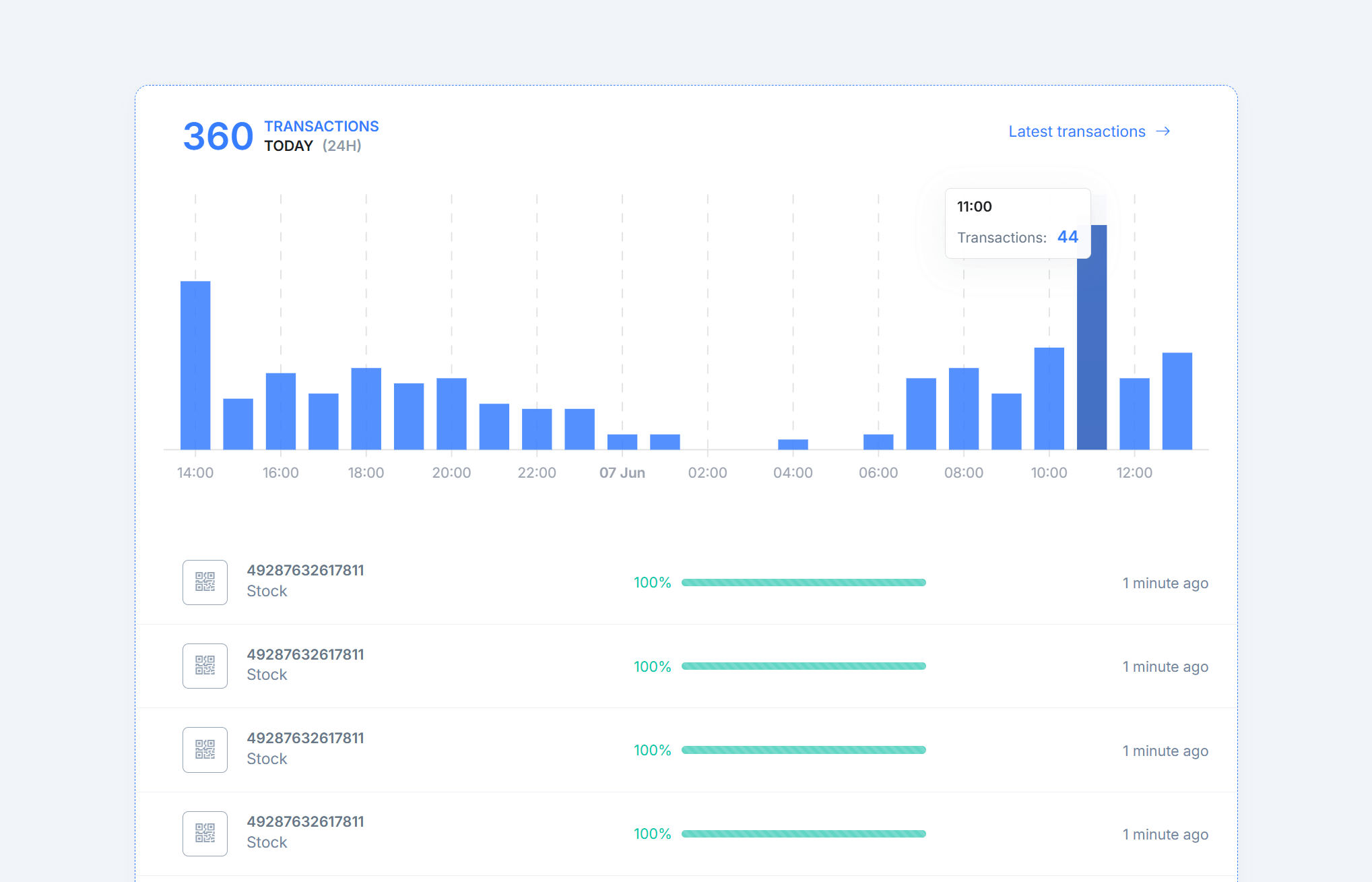
Automate invoices and marketplace documents
Generate or retrieve invoices and other required documents, then send them to the corresponding marketplace order when supported.
Keep order references, document requirements, and upload status connected so finance teams spend less time handling files one order at a time.

Keep refunds and cancellations in sync
Move supported refunds, cancellations, credit notes, and related order updates between marketplaces, ecommerce platforms, and back-office systems.
Match each update to the original order and keep customer service and finance working from consistent order status without duplicate manual entry.
Marketplace operations platform
Manage marketplace workflows from one dashboard
Connect the systems behind your marketplace operations
Connect the platforms your team already uses, choose the workflows you need, and let Synchron move supported operational data between them.
Automate recurring marketplace operations
Activate a workflow once and let it continue according to its configured event trigger or schedule. Pause it whenever you need to stop processing.
See what your integrations are doing
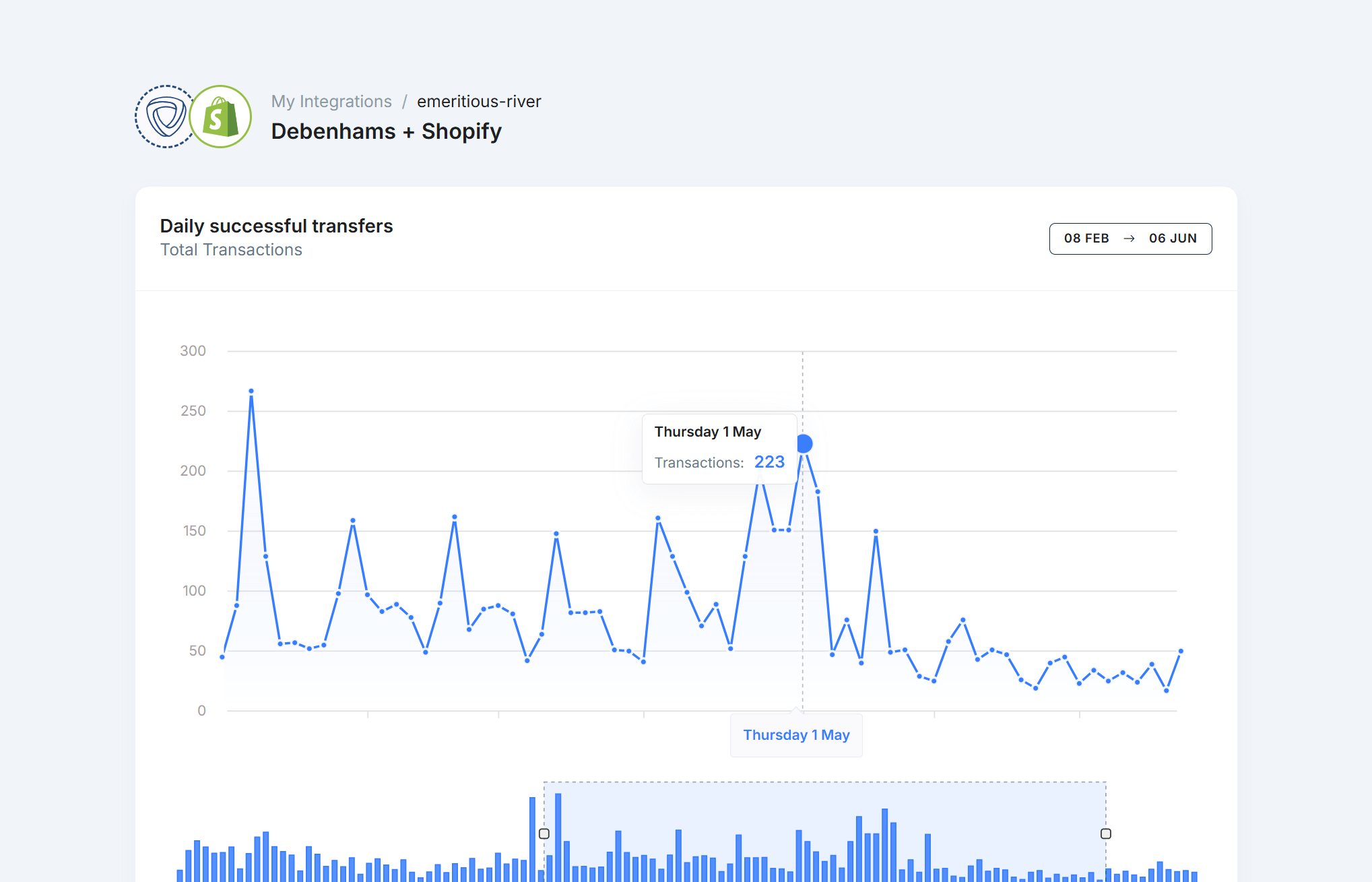
Review orders, inventory updates, fulfillment, and other configured transfers from a searchable operational dashboard.
Adapt workflows to your operation
Use settings, filters, mappings, and integration-specific options to adapt supported workflows to the way your team operates.
Understand integration activity
Review transfer volumes, workflow activity, operational trends, and available reports across your connected systems.
Extend an integration when standard workflows are not enough
Extend supported connectors, add custom workflow logic, or discuss integration options for systems that do not fit an existing workflow.
Team access
Invite colleagues and assign roles
Transfer history
Search history and backfill where supported
Bulk operations
Import or update data in bulk where supported
Configurable workflows
Adjust settings, mappings, and filters
Pricing workflows
Automate supported marketplace price updates
Refunds and returns
Connect supported refund, cancellation, and return workflows
Tax and business rules
Apply supported tax and order-value rules
Responsive interface
Review operational activity across screen sizes
Who Synchron is for
For merchants, ecommerce teams and agencies
Connect your sales channels to the tools your team already uses, with transfer monitoring and recovery when something needs attention.
Trusted by brands, agencies and ecommerce teams


Ready to simplify marketplace operations?
- Less repetitive work.
- Set up the order, stock, shipping and document workflows available for your connectors.
- Clear transfer history.
- Investigate failed transfers, fix the cause and retry supported transactions.
