Integration hub
Connect the systems your marketplace operations depend on
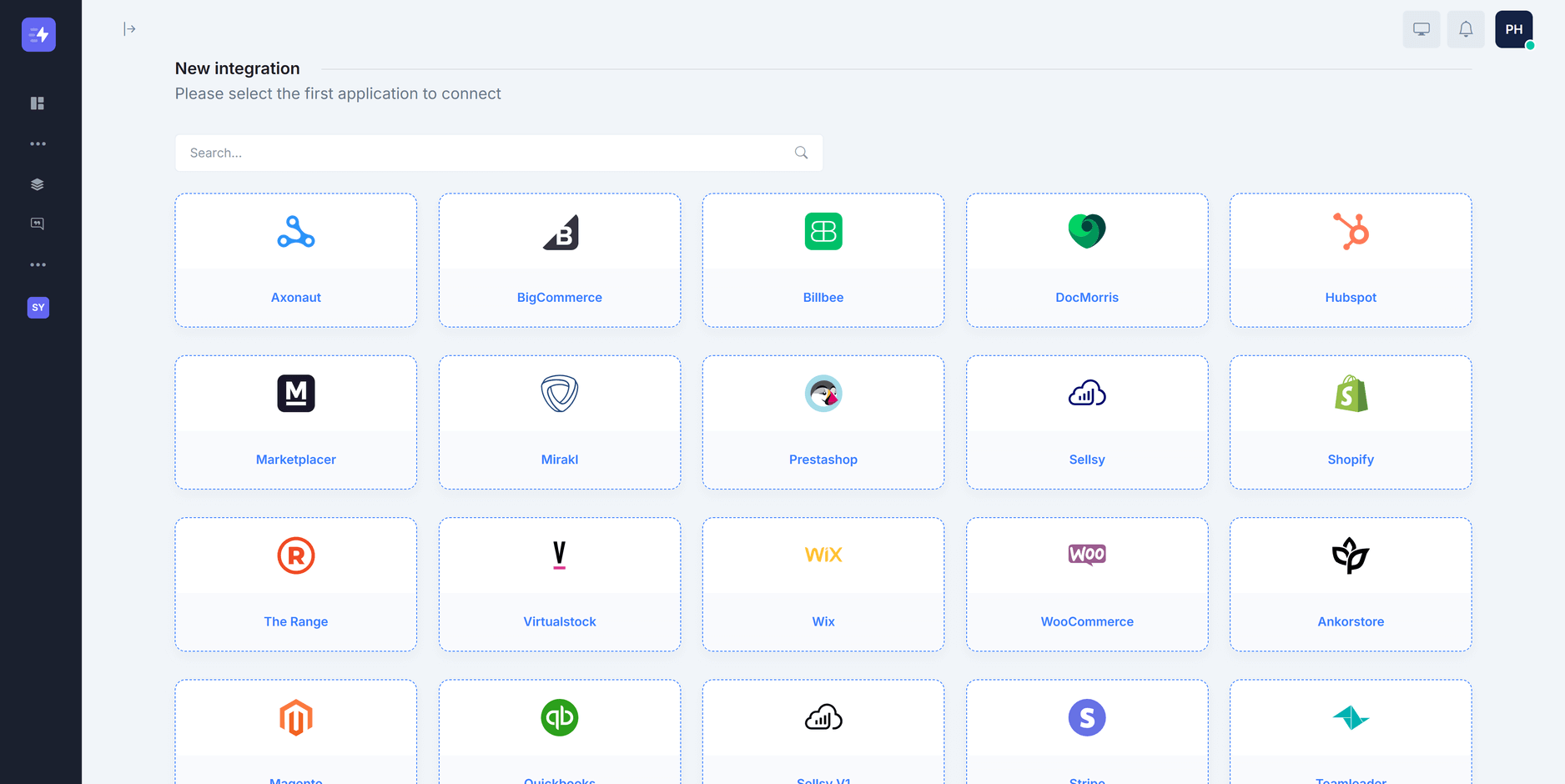
Connect ecommerce platforms, marketplaces, marketplace technologies, and business systems through the growing Synchron.io integration library. Build supported workflows for orders, fulfillment, inventory, invoices, refunds, and other operational data between the systems your team already uses.





Integration connections
Connect the systems your workflows depend on
Connect supported ecommerce, marketplace, and back-office systems through guided OAuth or credential-based setup.
- Guided connection setup.
- Use the authentication method supported by each platform, then configure the workflows that should run between the connected systems.
- Growing connector library.
- Connect ecommerce platforms, marketplaces, marketplace technologies, ERP, accounting, logistics, and other supported business systems.
Shopify
Mirakl
Browse connectors for your ecommerce stack
Use Synchron’s connector library to connect ecommerce platforms, marketplaces, marketplace technologies, and business systems.
Choose the systems you need, then configure supported workflows for orders, fulfillment, inventory, invoices, refunds, and other operational data.
Ecommerce connectors
Connect your ecommerce platform with marketplaces and business systems for supported order, inventory, fulfillment, and tracking workflows.
Marketplace connectors
Bring marketplace orders into the systems your team already uses and send supported fulfillment, status, cancellation, and refund updates back.
ERP and business system connectors
Connect ERP, OMS, CRM, accounting, invoicing, and fulfillment systems with ecommerce and marketplace workflows.
Marketplace technology connectors
Connect ecommerce and business systems with marketplace technologies such as Mirakl, Octopia, Marketplacer, and Virtualstock.
Run multiple marketplaces from one commerce backend
Connect one ecommerce or back-office system to multiple marketplaces and keep orders, fulfillment, tracking, and inventory workflows in a consistent operational flow.
- Bring marketplace orders together
- Import eligible marketplace orders into your central system with channel context, tags, routing rules, and mappings that help teams identify where each sale came from.
- Keep fulfillment in your existing stack
- Process marketplace orders through your existing ecommerce, warehouse, OMS, or 3PL workflows, then return supported fulfillment and tracking updates to each channel.
- Publish stock from your chosen source
- Use a configured source of inventory and apply supported location, aggregation, buffer, or channel-specific rules before availability is sent to each marketplace.
How the workflow fits together
Marketplace order lifecycle
Connect marketplace orders with the ecommerce workflows your team already uses for fulfillment, tracking, inventory, refunds, and other supported post-purchase operations.
- 1 Order import
- Import eligible marketplace orders into your ecommerce system so your team can process them from the tools it already uses.
- 2 Fulfillment and tracking
- Fulfill orders in your ecommerce or logistics system and send supported shipment, carrier, and tracking details back to the relevant marketplace.
- 3 Inventory synchronization
- Use your ecommerce or inventory system as the source for marketplace availability and keep supported stock updates flowing according to each workflow's configured rules.
Connect popular ecommerce platforms...
Shopify, WooCommerce, BigCommerce, PrestaShop, Shopware, Billbee and more
...to marketplaces and marketplace technologies
Cultura, Debenhams, Decathlon, Kohl's, La Redoute, Leroy Merlin, MediaMarkt, Nature & Découvertes, Shop Apotheke and many more.