Brand Center
Download official logos and product screenshots, and use approved company descriptions for directories, media and partner pages.
Explore resourceResources
Find product guidance, official brand assets, partner information, customer stories and a concise overview of how Synchron.io connects ecommerce and marketplace operations.
99.995%
Uptime SLA
100M+
Transactions processed
Public
Status page
Built-in
Monitoring & recovery
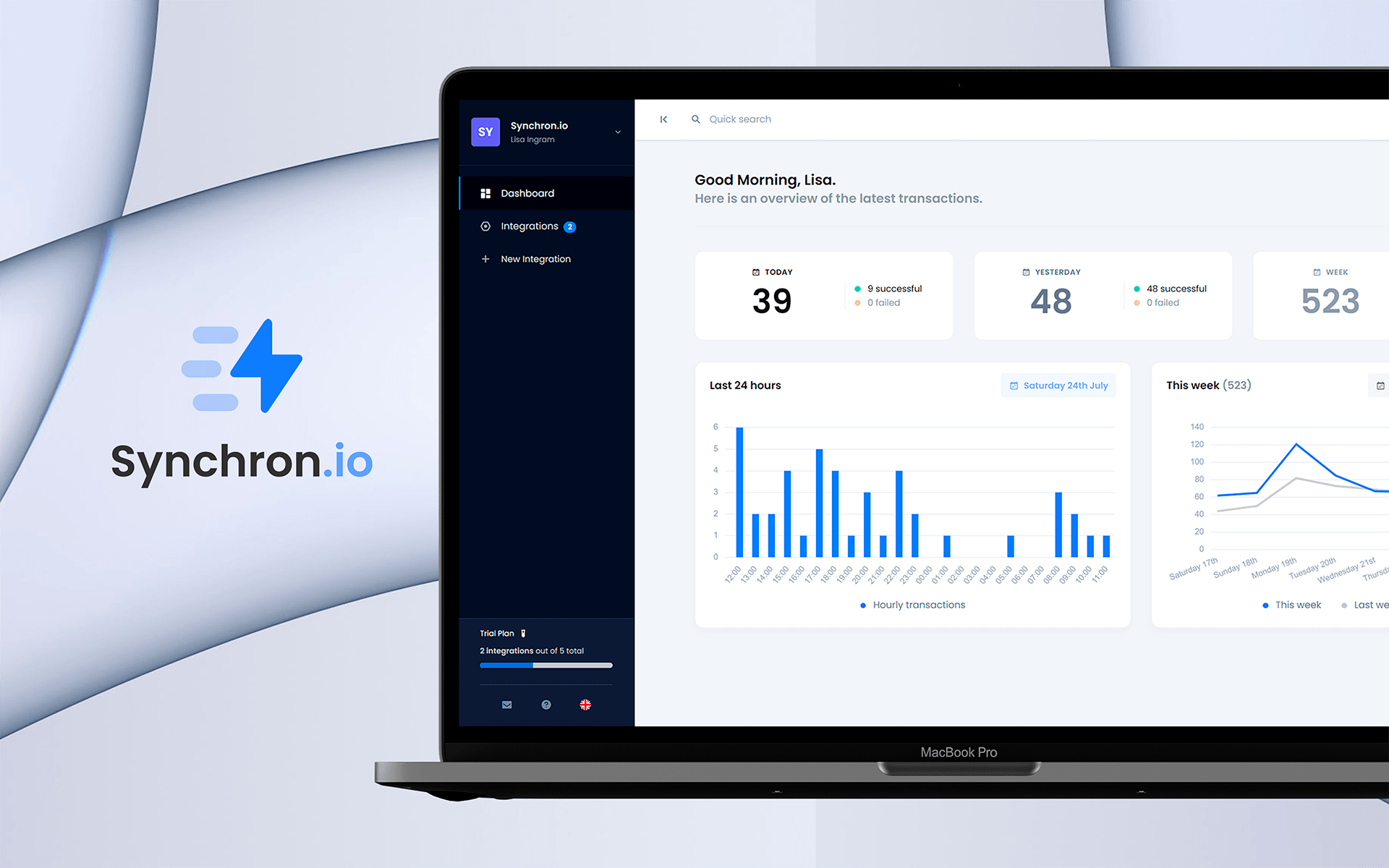
Start here for brand assets, integration guidance, partnership information and real-world examples of the platform in use.
Download official logos and product screenshots, and use approved company descriptions for directories, media and partner pages.
Explore resourceLearn how Synchron.io works with agencies, technology partners, marketplaces and ecommerce teams on integration projects.
Explore resourceFind setup guidance, integration documentation and practical help for supported ecommerce and marketplace workflows.
Explore resourceSee how businesses use Synchron.io to connect ecommerce, marketplace and back-office workflows in real operations.
Explore resourceAbout Synchron.io
Synchron.io helps merchants, brands, agencies and ecommerce teams connect ecommerce platforms, marketplaces, marketplace technologies and business systems through configurable workflows.
Instead of copying data between portals and back-office tools, teams can automate supported operational flows while keeping their existing systems at the center of day-to-day work.
The platform is centered on the work that follows a sale: order import, fulfillment and tracking, inventory, invoices, refunds, documents, monitoring and recovery where supported.
Operational visibility
Monitor transfer activity, investigate exceptions and recover supported workflows after correcting the underlying issue.
Ecommerce-first integration layer
Built around ecommerce and marketplace workflows rather than treating every integration as generic data movement.
Flexible workflow coverage
Use prebuilt connectors, mappings, filters and integration-specific settings, with custom workflow options where the connected systems allow them.
Clear public resources
Brand assets, company descriptions, support guidance and customer examples are organized into dedicated public resource areas.
Most integrations focus on a small set of operational workflows that need to move reliably between marketplaces, ecommerce platforms and back-office systems.
Import eligible marketplace orders into the ecommerce or back-office systems your team already uses.
Publish inventory from your chosen source to supported marketplaces and sales channels.
Send supported shipment status, carrier and tracking updates back to marketplaces and sales channels.
Connect supported invoice, document, refund, cancellation and credit workflows to the order lifecycle.
Use the Brand Center for official logos, screenshots and company copy, or explore the Partner Program for collaboration and integration opportunities.




