Ecommerce integration workflows
Connect ecommerce platforms, marketplaces and business systems with Synchron.io to automate orders, fulfillment, inventory, invoices, refunds and custom operational workflows.
Automated workflows
Scheduled and event-driven
Secure connections
API and OAuth authentication
Operational visibility
Monitoring and transfer history
Integration support
Setup and workflow guidance
Marketplace order synchronization
Import eligible marketplace orders into Shopify, WooCommerce, ERP, OMS or other supported systems while preserving the context needed to process each sale.
Apply product matching, customer handling, tags, routing and integration-specific business rules before the order reaches its destination.
Where a marketplace requires order acceptance, supported workflows can acknowledge eligible orders automatically and keep the acceptance step inside the same integration flow.
Fulfillment and tracking synchronization
Send supported shipment status, carrier and tracking details from your ecommerce, ERP, OMS or 3PL system back to the marketplace.
Use carrier mappings and marketplace-specific fulfillment rules so each channel receives the status and tracking data it expects.
Run fulfillment updates from supported platform events or scheduled workflows, with monitoring when a transfer needs attention.
Marketplace inventory synchronization
Publish marketplace availability from Shopify, ERP, WMS or another supported source using configurable inventory rules.
Select inventory locations, aggregate warehouses, apply buffers or limits and publish the resulting quantity to supported marketplace offers.
Use event-driven or scheduled updates to reduce stale availability and overselling risk while respecting the timing and API limits of each platform.
Marketplace invoices and documents
Generate or retrieve invoices and other supported order documents, then deliver them to the corresponding marketplace transaction.
Keep order references, document metadata and marketplace requirements connected so files can move without repetitive manual uploads.
Monitor document delivery and investigate rejected uploads from the same operational dashboard as your other workflows.
Refund and cancellation synchronization
Keep supported refunds, cancellations and credit workflows aligned between marketplaces, ecommerce platforms and back-office systems.
Match post-purchase changes to the original order and synchronize supported amounts, reasons, statuses and credit information in the required direction.
Keep customer service and finance teams working from consistent order status while reducing duplicate manual updates.
Custom ecommerce workflows
Extend standard connectors with custom mappings, filters, transformations, routing and business logic when your operation needs more.
Start from existing connectors and add scoped workflow logic, or discuss a custom connection for proprietary systems and additional data flows.
Run custom workflows with the same monitoring, history and operational controls as standard integrations.
Workflow scheduling
Control when and how workflows run
Choose available sync intervals for scheduled workflows and combine them with event-driven automation where the connected platforms support it.
- Configurable schedules.
- Set the cadence that fits each workflow, from frequent operational updates to less time-sensitive background synchronization.
- Workflow controls.
- Use settings, filters, mappings, and workflow options to control which data moves between systems and how it is handled.
Orders
Import marketplace orders into your ecommerce or back-office system
Refunds & credit notes
Keep refunds, cancellations, and credit notes aligned between systems
Inventory
Publish inventory from your source system to connected channels
Fulfillment & tracking
Send shipment status, carrier, and tracking updates back to marketplaces
Invoices & documents
Generate, retrieve, or upload order documents where supported
Marketplace operations platform
Manage your workflows from one dashboard
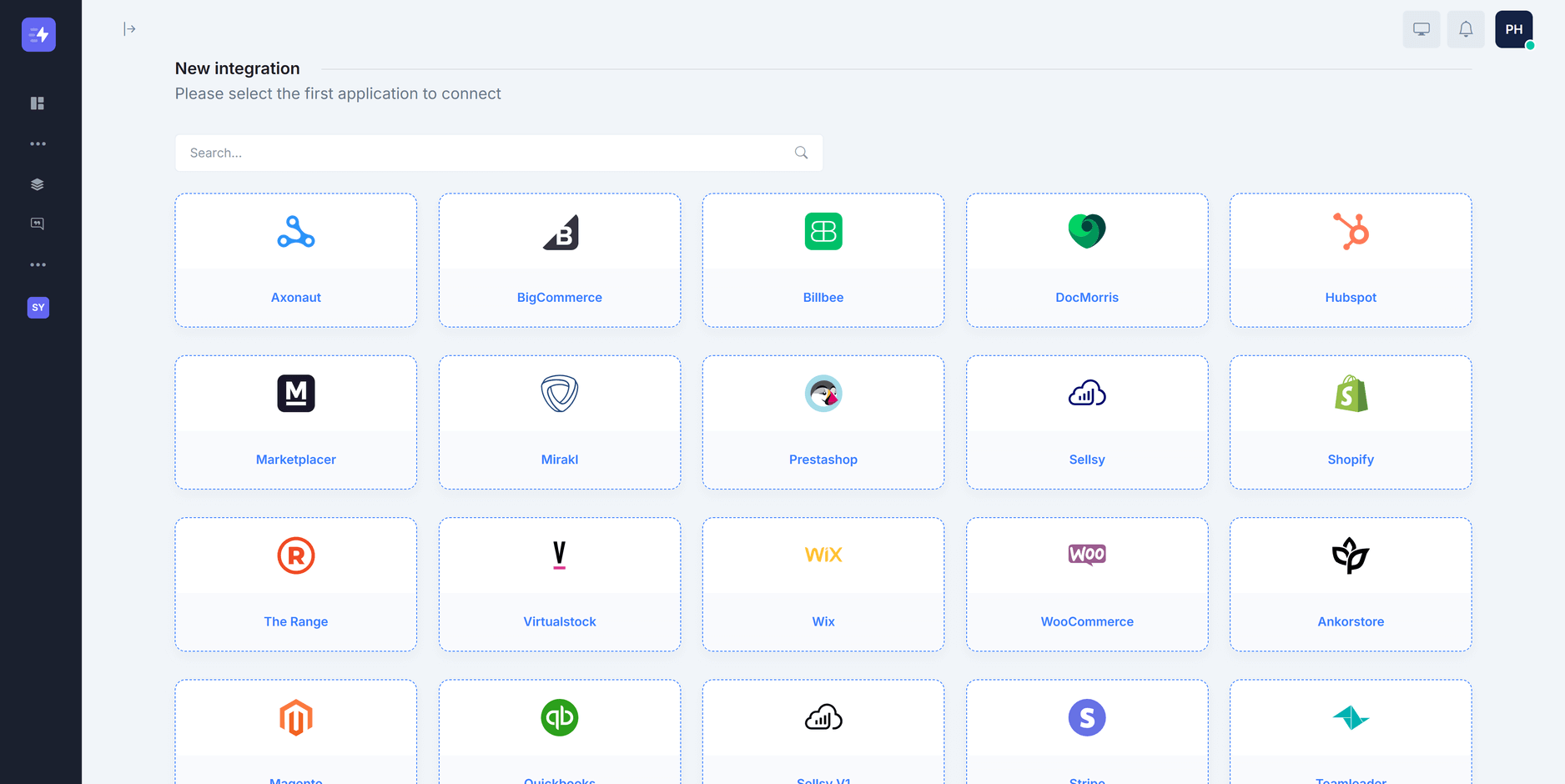
Connect the systems behind your marketplace operations
Connect the platforms your team already uses, choose the workflows you need, and let Synchron move supported operational data between them.
Automate recurring marketplace operations
Activate a workflow once and let it continue according to its configured event trigger or schedule. Pause it whenever you need to stop processing.
See what your integrations are doing
Review orders, inventory updates, fulfillment, and other configured transfers from a searchable operational dashboard.
Adapt workflows to your operation
Use settings, filters, mappings, and integration-specific options to adapt supported workflows to the way your team operates.
Understand integration activity
Review transfer volumes, workflow activity, operational trends, and available reports across your connected systems.
Extend an integration when standard workflows are not enough
Extend supported connectors, add custom workflow logic, or discuss integration options for systems that do not fit an existing workflow.
Team access
Invite colleagues and assign roles
Transfer history
Search history and backfill where supported
Bulk operations
Import or update data in bulk where supported
Configurable workflows
Adjust settings, mappings, and filters
Pricing workflows
Automate supported marketplace price updates
Refunds and returns
Connect supported refund, cancellation, and return workflows
Tax and business rules
Apply supported tax and order-value rules
Responsive interface
Review operational activity across screen sizes
See how Synchron fits your operations. Connect the workflows that matter.
Connect orders, fulfillment, inventory, invoices, refunds, and exception handling across the systems your team already uses.