Custom ecommerce integration workflows
Extend standard connectors with the mappings, rules and data flows your ecommerce operation needs.
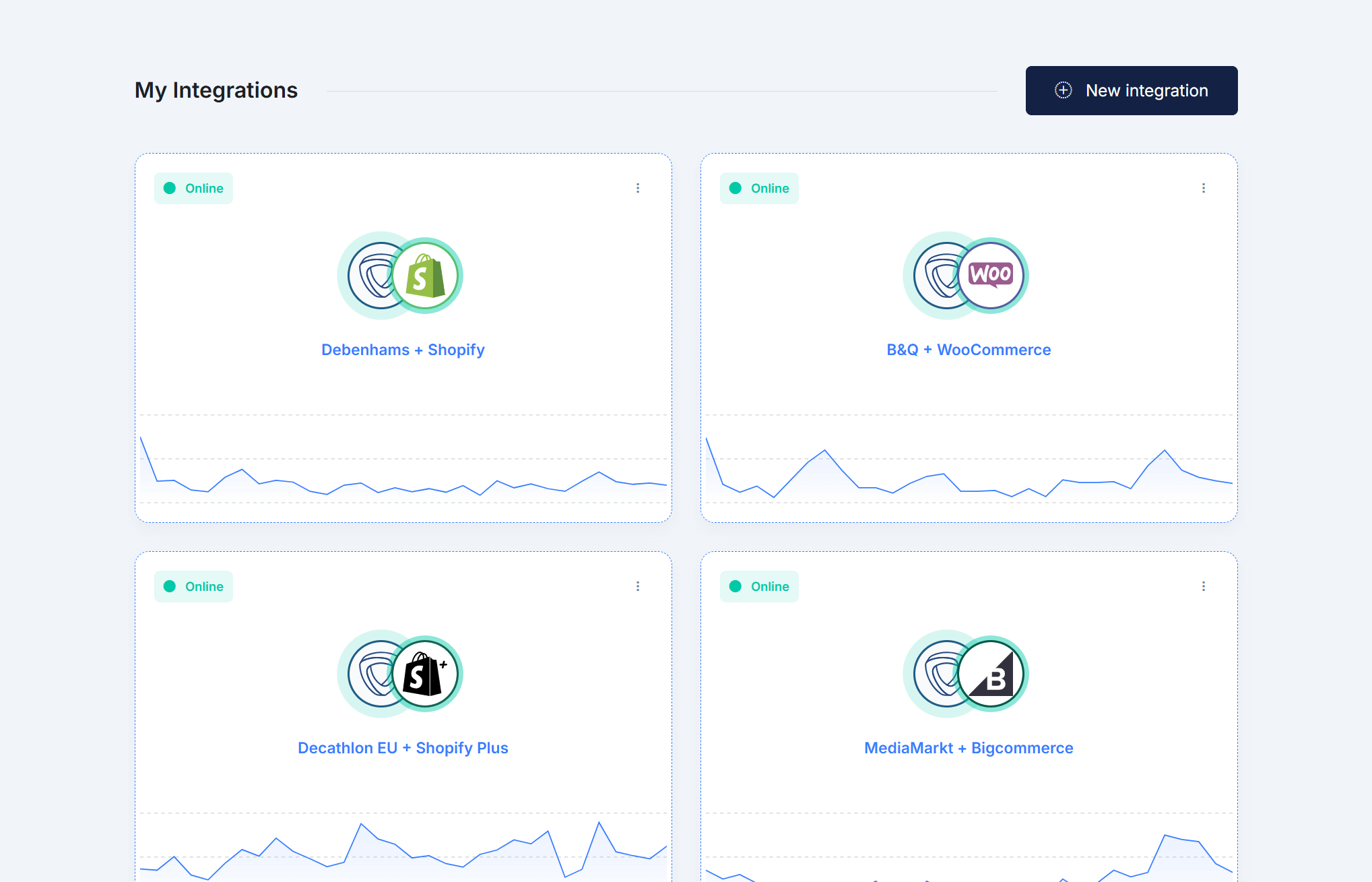
- Extend existing connectors. Add supported workflows beyond the standard connector when your operation needs additional data, actions or marketplace-specific logic.
- Custom mappings and business rules. Transform, filter, route and map data between connected systems according to your operational requirements.
- Connect proprietary systems. Connect supported APIs, files and in-house systems alongside ecommerce platforms, marketplaces, ERP, CRM, WMS and other business tools.
Start from an existing connector and extend it with scoped custom logic, or discuss a dedicated workflow when standard behavior does not cover your use case.
Custom workflows use the same monitoring, transfer history and operational controls as the rest of your integrations.
Synchron helps connect business-specific data and processes across ecommerce platforms, marketplaces, ERP, CRM, WMS and other supported systems.
Custom integrations built around your operational requirements.
Extend your integrations beyond standard workflows
Connect proprietary ERP, CRM, WMS, and in-house systems through APIs, files, or other supported interfaces.
Add custom mappings, transformations, validations, and routing rules without rebuilding your integration stack.
Extend existing connectors with marketplace-specific logic as your operational requirements evolve.
Move business-specific data between ecommerce, marketplace, ERP, CRM, and back-office systems using custom workflow logic.
Combine scheduled, event-driven, API, and file-based workflows according to what each connected system supports.
Monitor custom workflows alongside standard integrations, with transfer history and operational visibility in the same platform.


Mirakl + CSV
Custom workflow
- Mirakl Marketplace order received
Synchron.io Run custom order logic
Synchron.io Match customer and products
Synchron.io Apply mapping and transformation rules
Synchron.io Generate destination file
- CSV Destination file successfully generated
Operational analytics
Understand integration activity over time
Review daily and monthly transfer volumes, identify busy periods, and export available reports for operational analysis.
- Usage and activity trends.
- Compare transfer volumes over time to understand marketplace activity, recurring peaks, and changes in integration usage.
- Exportable reports.
- Export available usage and activity reports for internal analysis, planning, or stakeholder review.
Ready to connect your systems?
Start your trial and configure your first integration.



